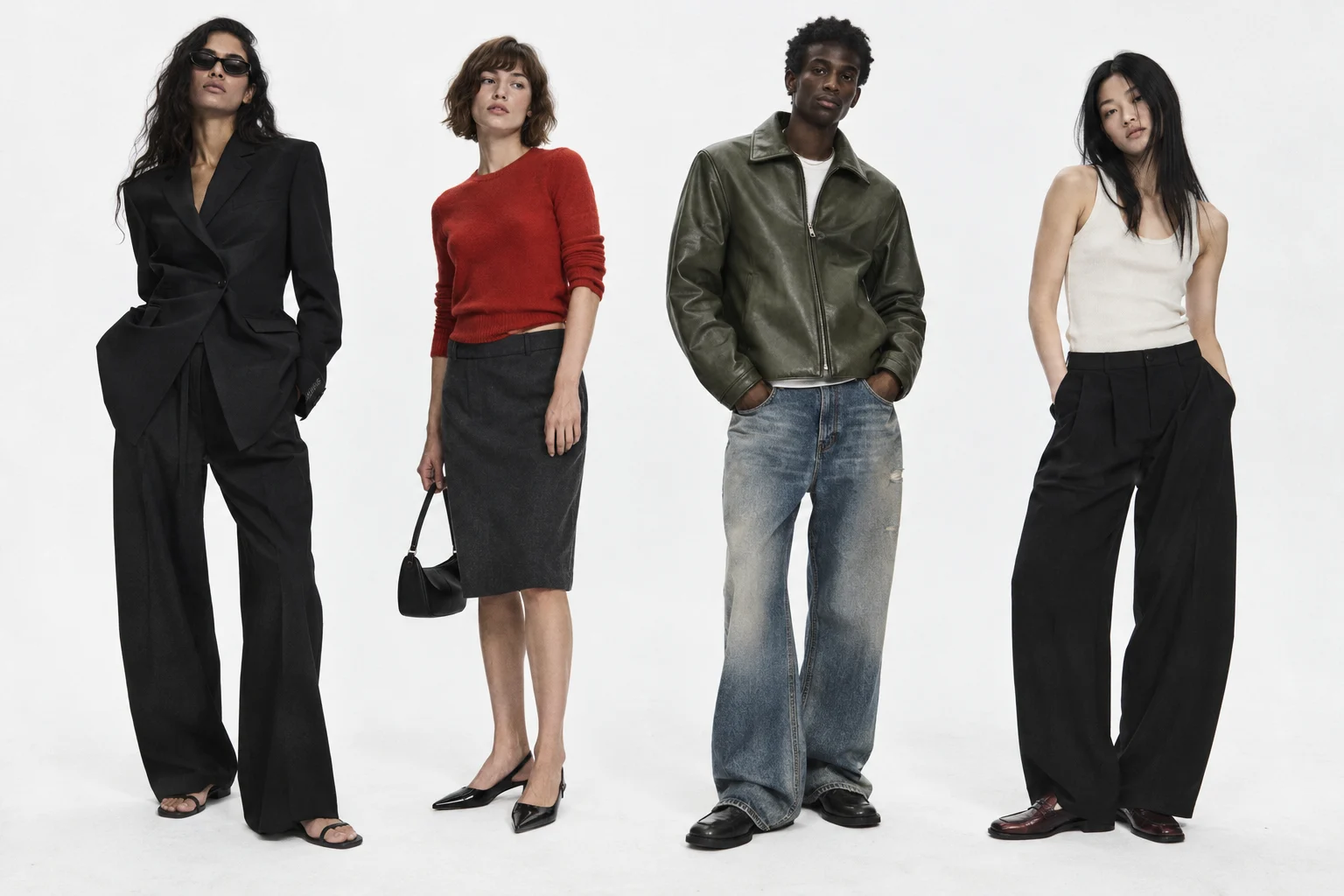
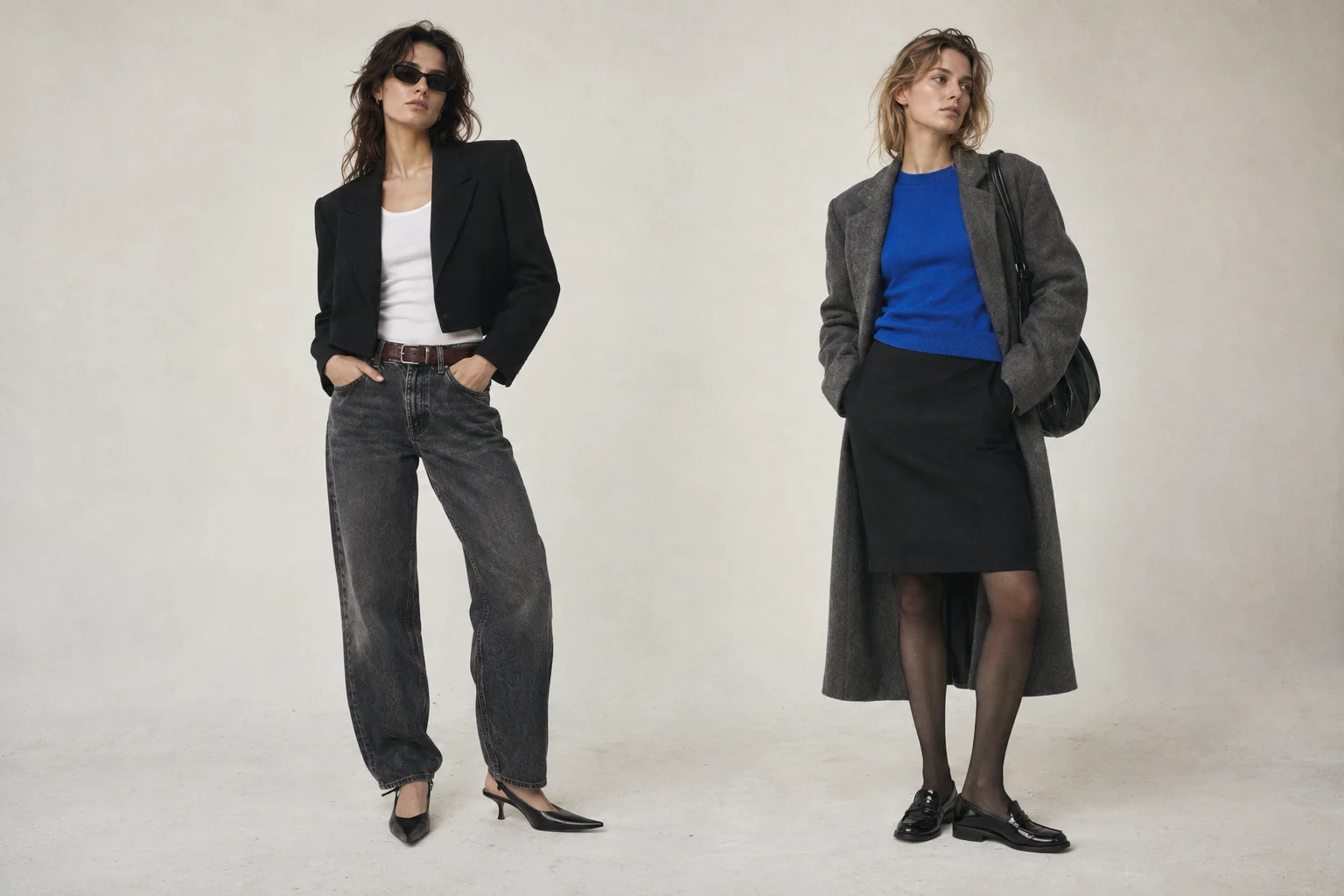
nista vs Whering: try-on previews and wardrobe planning
Compare nista's shopping previews with Whering's wardrobe planning and Chrome image-saving workflow. Choose around the clothing question you have.
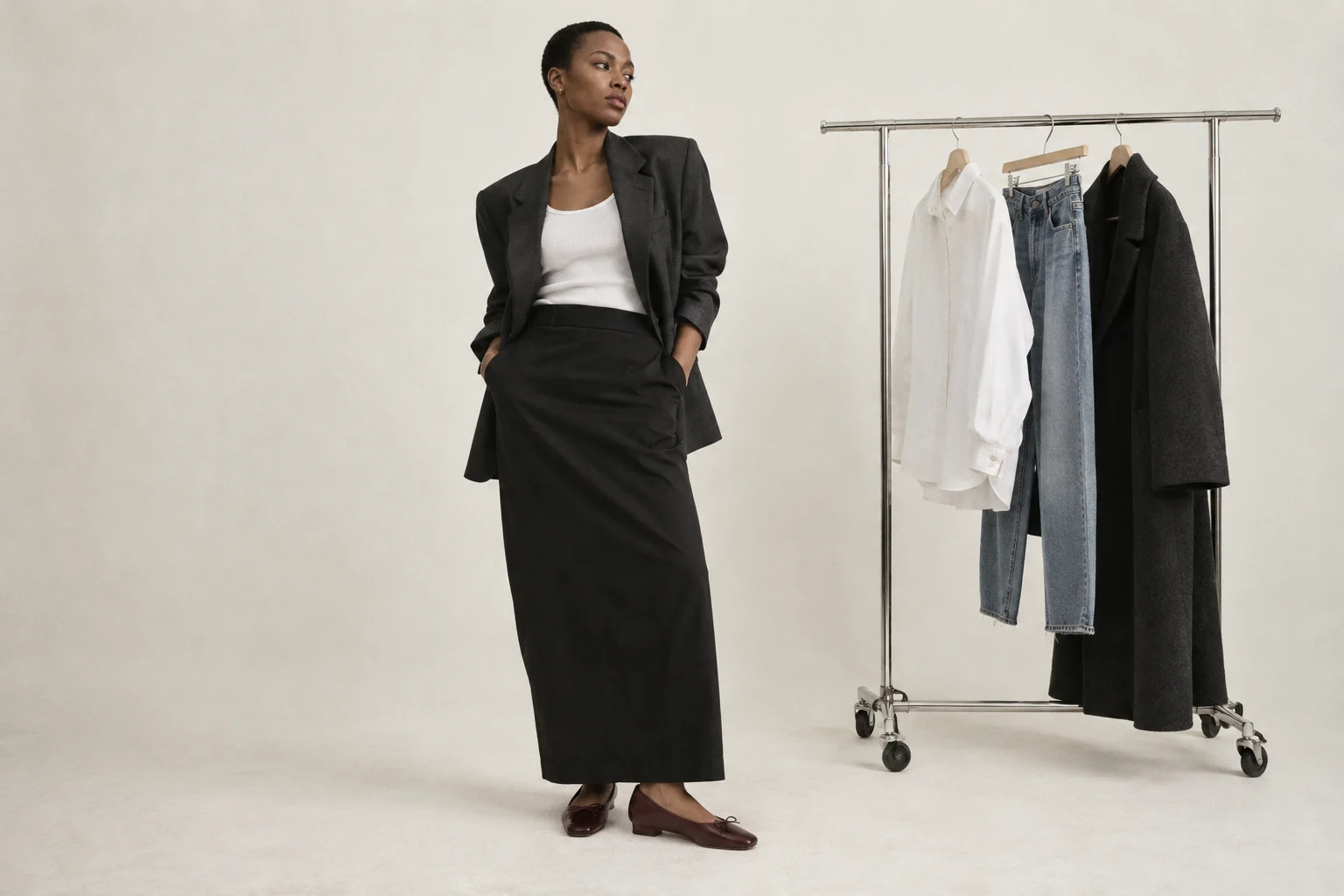
Whering and nista can sit at different points in the same clothing decision. If you want to organize what you own and plan combinations, examine Whering's wardrobe tools. If you want to explore a garment's appearance on an avatar while shopping in Chrome, examine nista's fitting room.
We make nista. This is a comparison of documented workflows, checked October 13, 2026. It is not a hands-on benchmark of Whering and does not claim that one app covers every function of the other.
Start with the question
| Your question | Useful next step |
|---|---|
| What clothes do I already own? | Build an organized wardrobe record |
| What can I combine for next week? | Plan outfits from those items |
| What does this candidate garment look like in a personal preview? | Try a supported image in a virtual fitting room |
| What size should I buy? | Check measurements and the seller's size information |
This distinction matters because a wardrobe can be useful without generating a new photograph. Equally, a personal preview can be useful without becoming a complete record of everything you own.
What Whering documents
Whering's official site describes adding clothes, organizing a wardrobe, planning outfits and tracking wear-related statistics. Those functions are relevant if the recurring problem is forgetting items or struggling to combine them.
It also has a Chrome extension. Whering describes selecting an image and saving it into a wardrobe, wishlist or moodboard. The documented saving action should not be confused with generating a photo of you wearing the item, and Whering should not be described as having no browser extension.
Where nista enters the decision
nista's Chrome extension is built around a personal avatar and virtual clothing previews. Its setup guide explains how to start. When you already have a candidate garment, a preview can give you another image to consider beside the original listing.
That is still a generated interpretation. Our four-store field notes show changes to clothing details and unintended additions. They should shape how you inspect a result, rather than being read as a guarantee about any retailer or outfit.
Try a three-outfit check before buying
Choose one candidate piece and write down three occasions when you would wear it. For each occasion, identify the actual clothes and shoes you already have to go with it. If all three outfits depend on buying several more items, that is useful information before any rendering happens.
Next, arrange the references so you can compare the combinations. If you still want a personal visual preview, use a supported try-on route and inspect it against the source garment. This is a manual decision method, not a claim that Whering and nista automatically synchronize wardrobes or share saved looks.
For an example with a selected collection, the Reformation outfit builder lets you explore product-photo combinations. It does not establish what you own, current stock or how the garments will physically fit. Our outfit builder comparison explains the difference between a board and a personal preview.
A practical choice
Use the tool that answers the recurring question. A wardrobe-planning problem deserves wardrobe-planning functions. A shopping-preview problem deserves a careful look at the available try-on flow. You may find a place for both, but there is no need to add an app until its role is clear.
Read building a capsule around your week for the planning method, or compare the other try-on options.